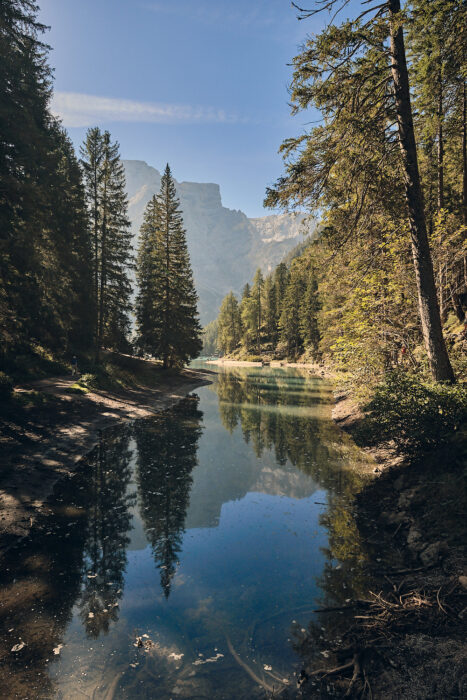
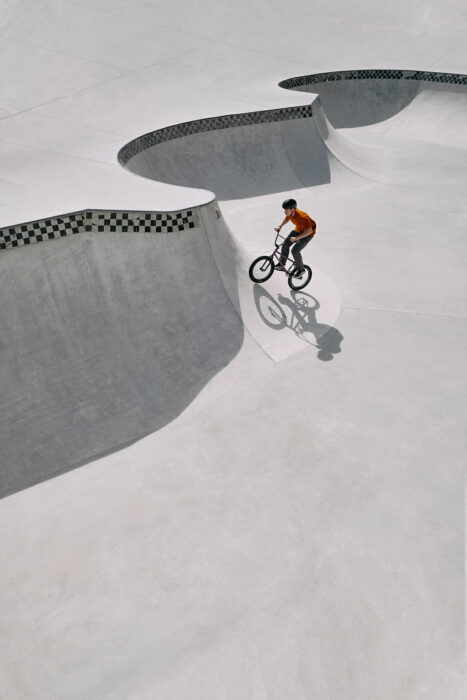
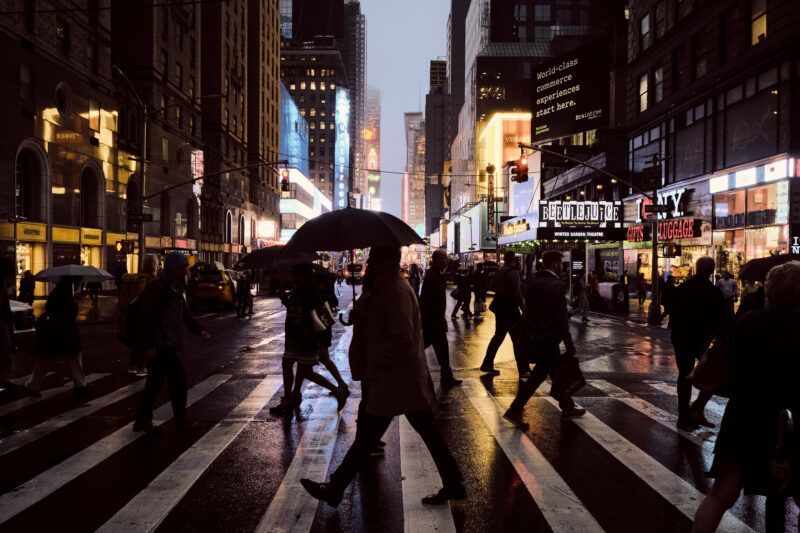
The Online Border Tool adds a timeless, sleek, and elegant frame to your images. Choose between black or white with various widths available. To set a custom size, simply enter your desired width and click Apply.
Usage Notes
Your images are automatically deleted from the server after approximately one hour.
The Online Border Tool is free. If you find it helpful, feel free to support me via the “Tip me” button in the bottom left.
Ever wondered why framed photos just look better? A border is more than just decoration; it’s a window into your favorite memories. That’s exactly where the Online Border Tool comes in.
The right frame elevates any image. Our tool makes it easy to highlight what’s special about your shot and draws the eye exactly where it belongs. A custom border enhances your photo’s impact—much like a favorite outfit that boosts your confidence.
Nutze das Online Border Tool, um deine Fotos für Instagram vorzubereiten (Square Format mit weißem Rand) oder um digitalen Bildern einen edlen Passepartout-Look für den Druck zu verleihen
Less is more—especially with borders. That’s why we keep it simple: Black or White. Our Online Border Tool makes it easier than ever to add the perfect finishing touch. No design skills needed.
Imagine your overlooked photos suddenly grabbing everyone’s attention. So, what are you waiting for? Start now and give your memories the frame they deserve. Experience the impact of a beautifully framed image and share it with the world.
How do I add a white border to an image?
Simply drag and drop your image, select your desired border width in pixels, and click “Apply.” You can then download your finished image immediately.
Is this tool really free?
Yes, the Online Border Tool is 100% free and requires no registration. It supports batch processing for up to 10 images at a time.
Will I lose image quality?
No. The tool keeps image compression to a minimum, ensuring your photos stay crisp and sharp even with a border.

Give your photos a professional gallery look in just three simple steps: